Switch Marigold Applications
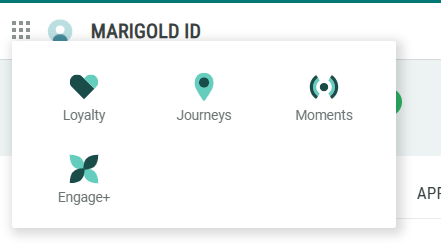
The Marigold ID enables seamless navigation between different Marigold applications. If your Organization has purchased multiple Marigold applications (and if you have been granted the proper access), you can use the App Switcher in the User Workspace to select the desired application.
For more information on how to view the applications to which you have been given access, see View Application and Business Unit Access.
Note: This feature is available for all Roles.
Before switching applications, first ensure that you are in the desired Business Unit. See Select a Business Unit for more information.
To switch applications:
-
Log into the Marigold ID User Workspace.
-
Click the grid icon in the top-left corner of the screen.
-
The App Switcher is displayed, showing all the applications to which you have been granted access. Select the desired application.